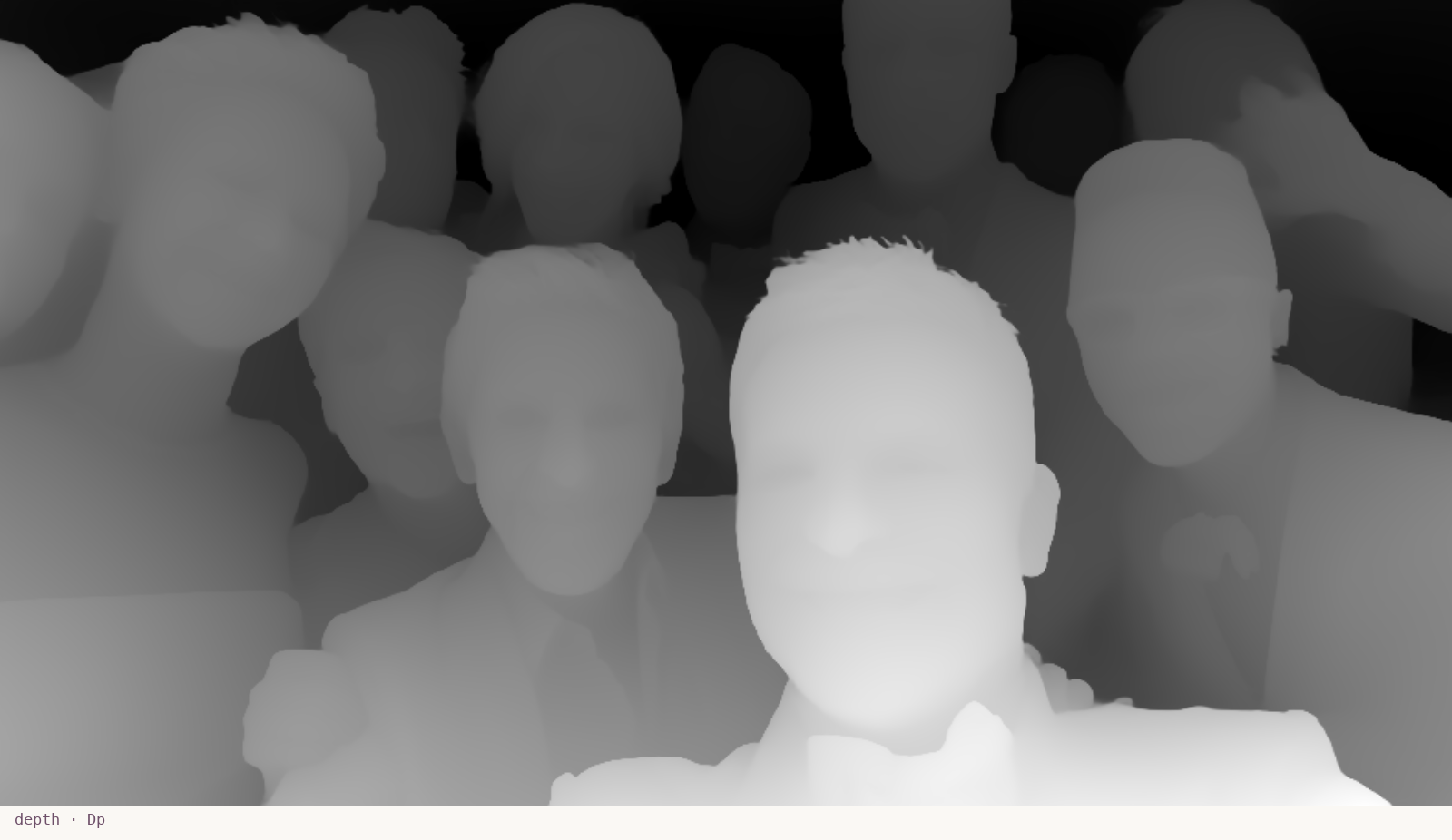
spatial · Dp
Depth
A grayscale map of how far each pixel is from the camera.
What it sees here
Cooper's face is brightest — closest to the camera. Ellen and Lawrence sit at mid-grey. The back row and the stage behind them recede into near-black. The depth map reads the photograph as a 3D scene rather than a flat plane.
Tool card · /lab/elements/dp →
spatial · Sm
Segmentation
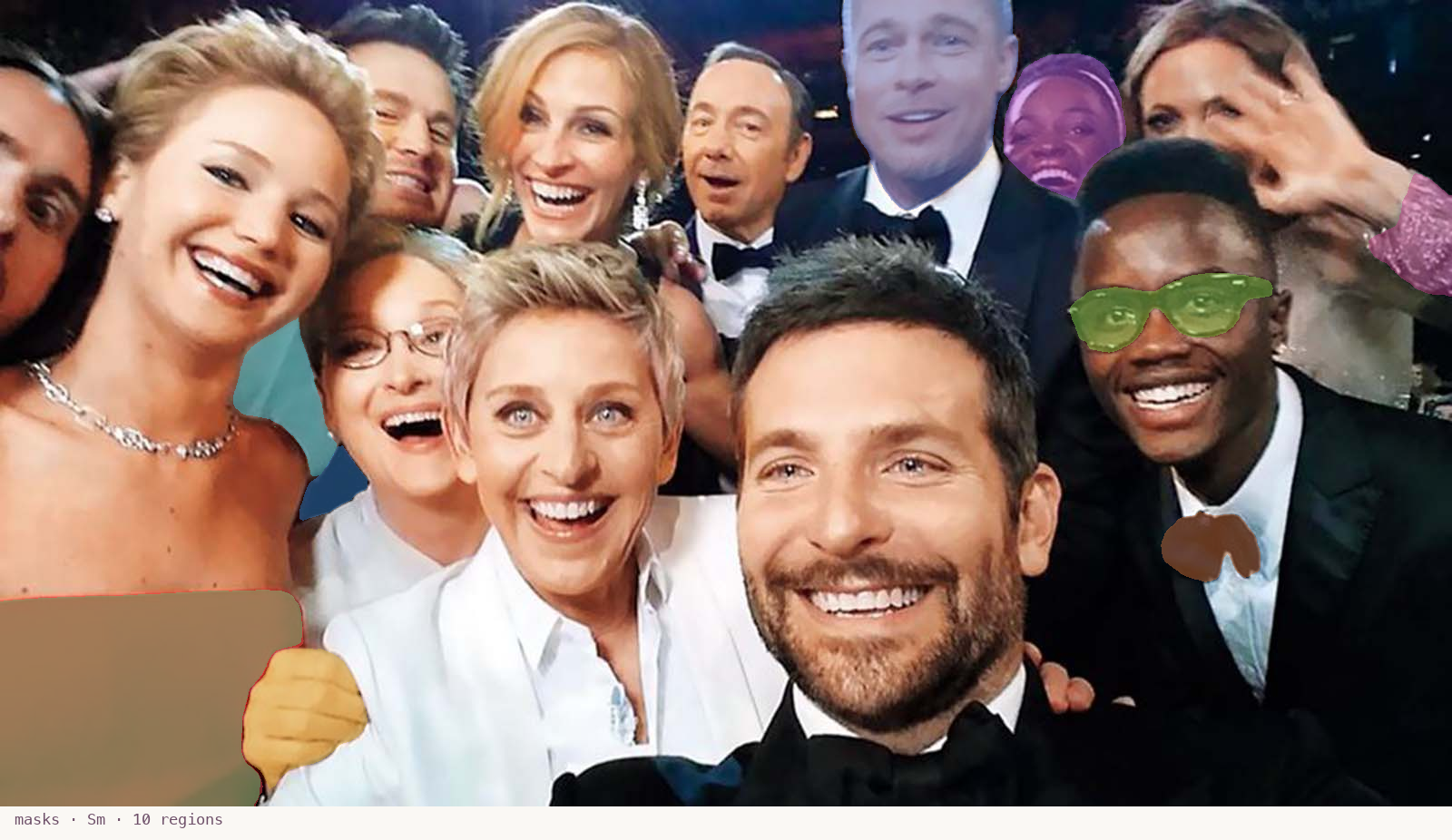
Per-object masks. Each region is one thing the model considers coherent.
What it sees here
SAM 2 returns ten masks at default settings. They cover only ~12% of the image — the most prominent objects (some clothing, partial faces) get masked; the rest of the frame is left untouched. A first lesson: SAM in automatic mode is asking what the obvious things are, not how to tile every pixel.
Tool card · /lab/elements/sm →
spatial · Fd
Face detection
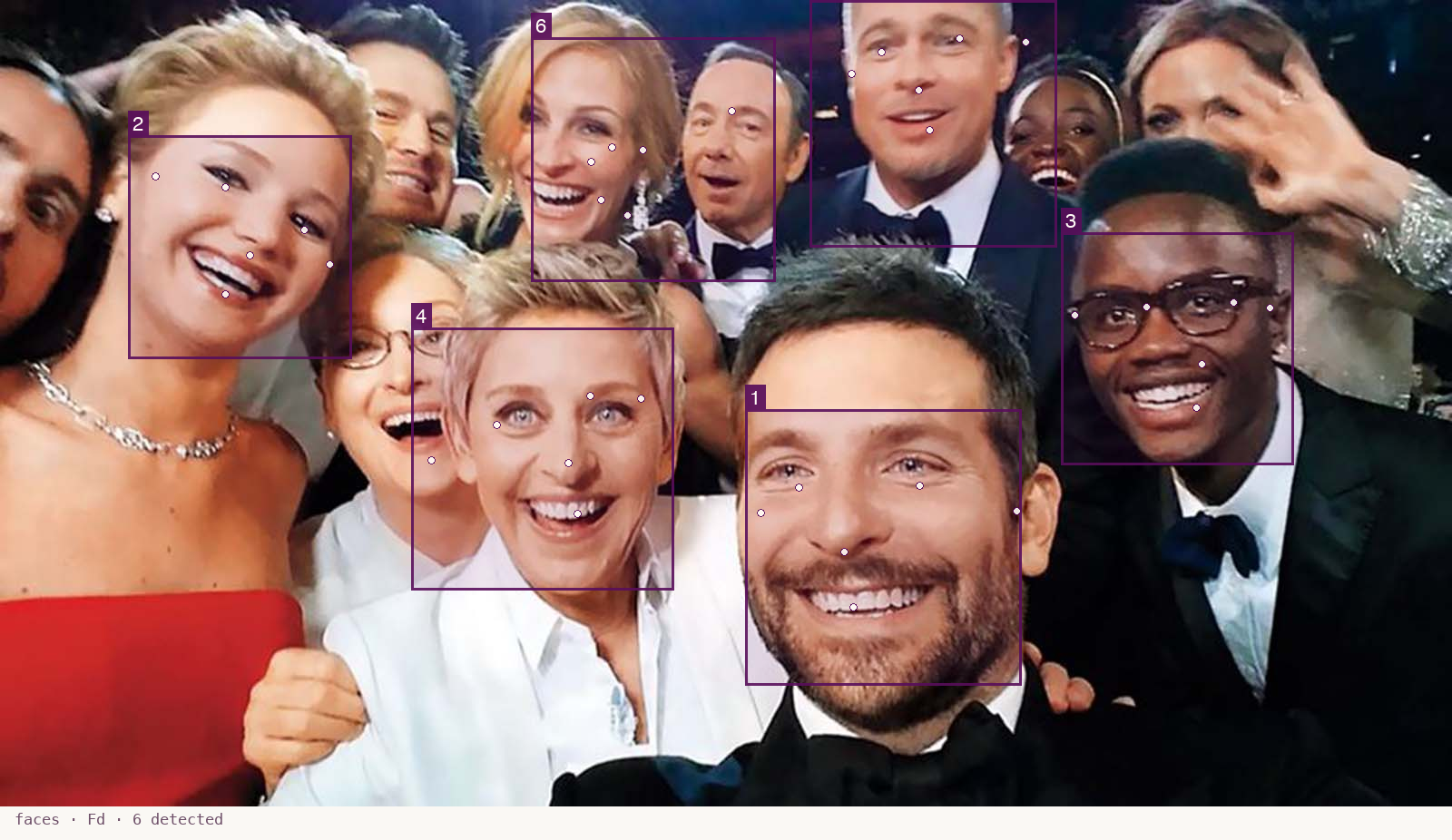
Bounding boxes + six landmark points per face.
What it sees here
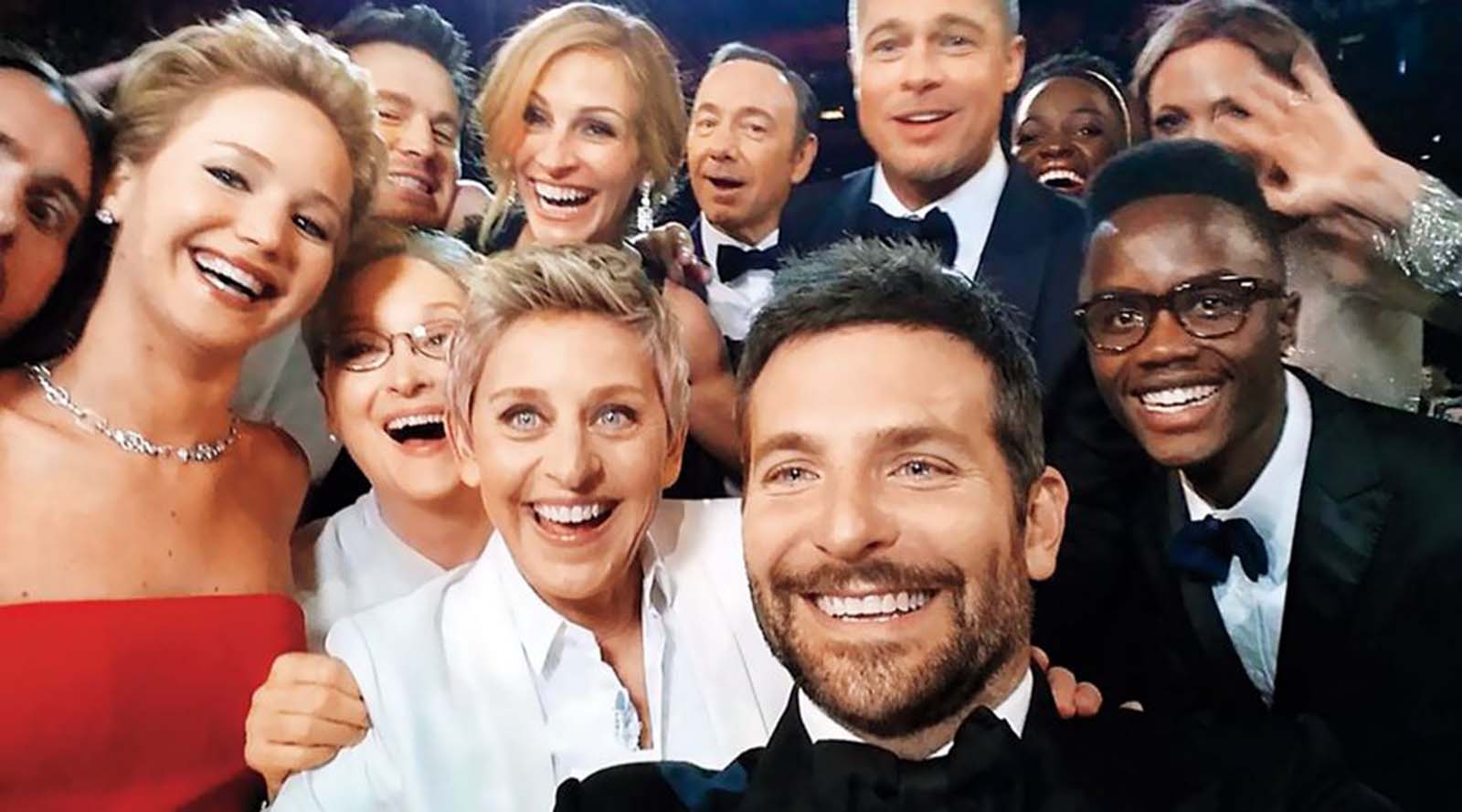
At MediaPipe's empirical sweet spot (confidence 0.2) we get six faces — Cooper, Lawrence, Ellen, Lupita's brother, Brad Pitt, and Kevin Spacey area. The back row is reachable here in a way it isn't at the default 0.5 threshold. Each detection carries six landmarks (eyes, nose, mouth, ears) — anchorable, alignable, lip-syncable.
Tool card · /lab/elements/fd →
compositional · Pl
Palette
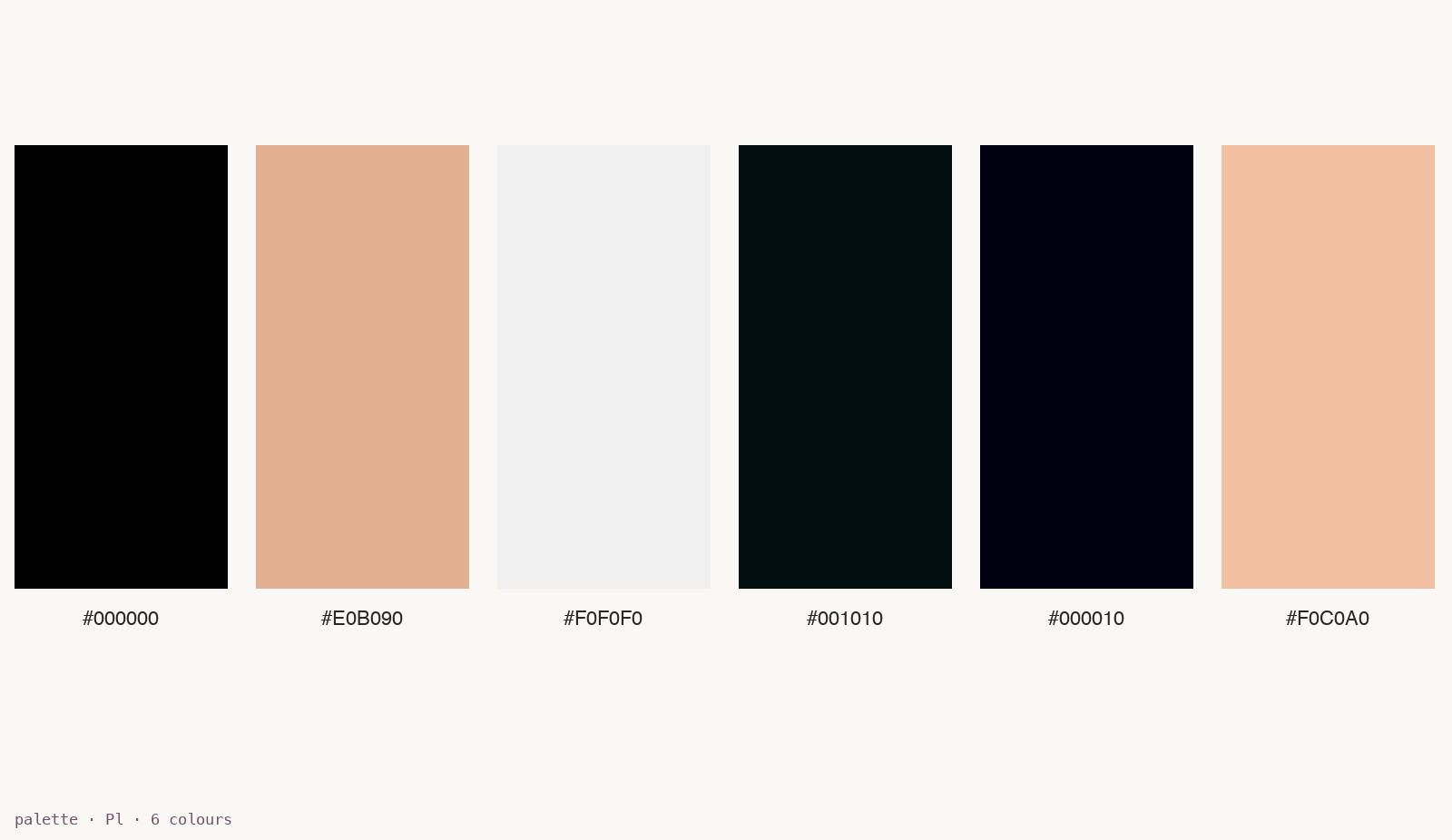
The dominant colours — extracted by quantisation, frequency-ordered.
What it sees here
Six swatches: deep black (the tuxedo / venue shadow), warm beige (skin tones), near-white (Ellen's blazer / stage light), two near-black variants (depth of background), and a peach mid-tone (more skin / blush). The palette is what you'd reach for to colour-grade against, or to tell another image to match this one's mood.
semantic · Cap
Caption
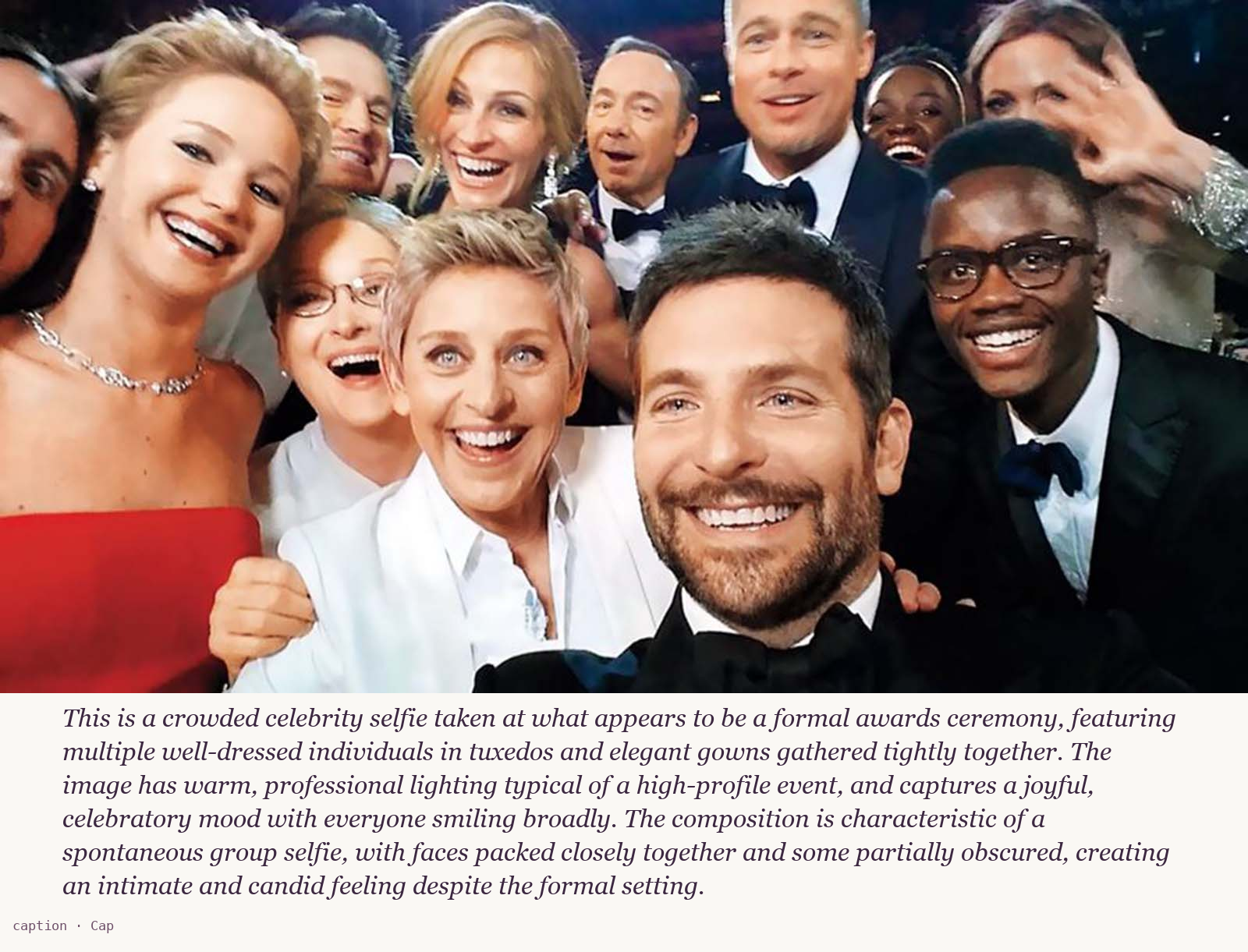
The image, expressed as text. Searchable, queryable, editable.
What it sees here
Claude vision describes the photograph in 2-3 sentences — subjects, setting, lighting, mood, composition. The default prompt is tuneable: a caller can ask "describe only the mood", "what's missing from this composition?", "be exhaustive". Same Node, same contract, different question — that's the primary creative knob. The caption gives Producer the *language* of an image to compose against when reasoning about a brief.
Tool card · /lab/elements/cap →
spatial · Edg
Edges
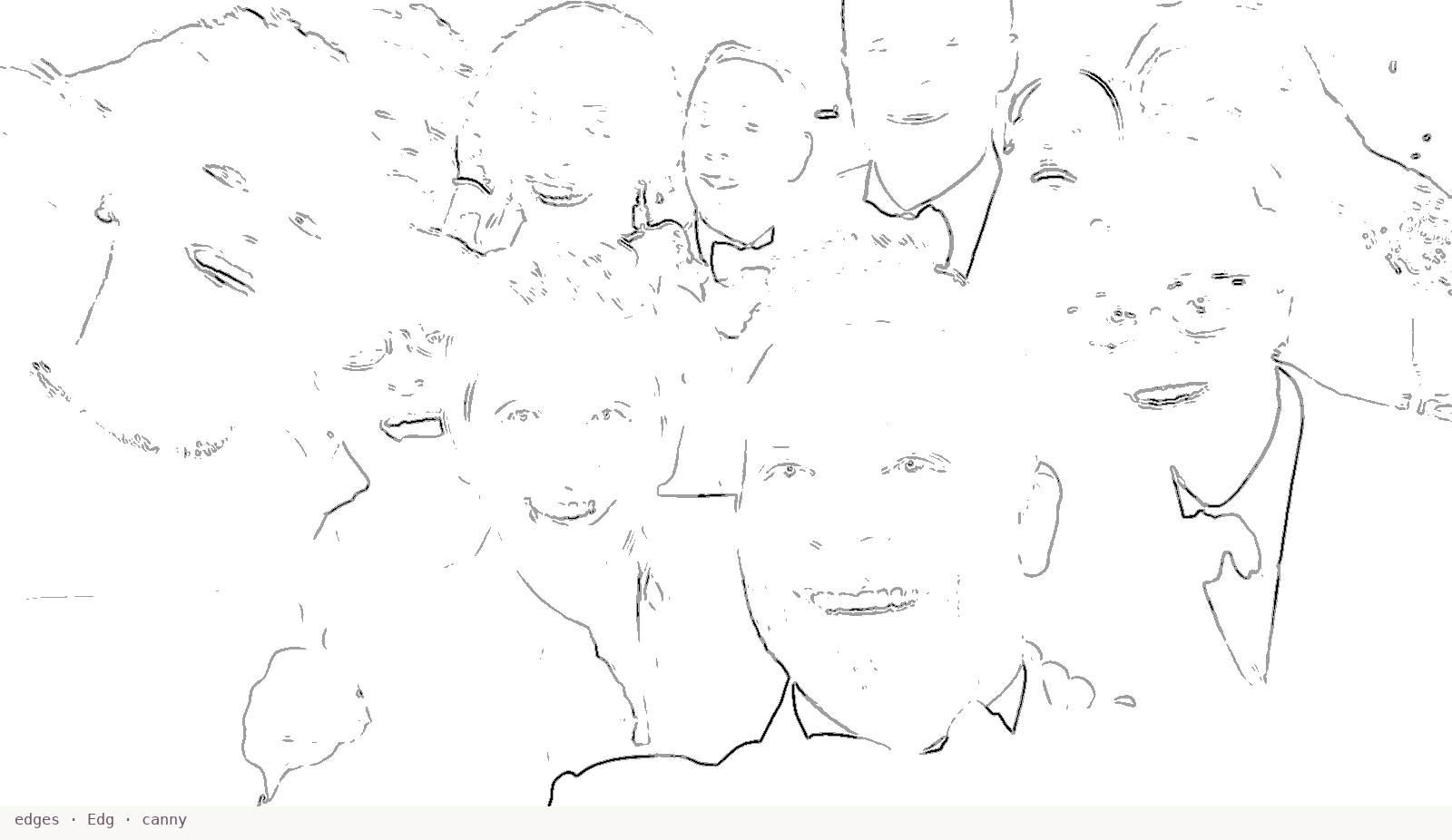
Pure structure, no texture — the skeleton of composition.
What it sees here
A two-tier Canny gives strong edges (full black) and weak ones (grey). On the Cooper selfie: facial features, jawlines, suit collars, hairline transitions all register cleanly. The result is sparse — paper showing through — because edge maps respect the source's natural blank surfaces. Useful as ControlNet conditioning input, as a structural-similarity signal, and as the starting point for line-art stylisation.
Tool card · /lab/elements/edg →
spatial · Po
Body pose
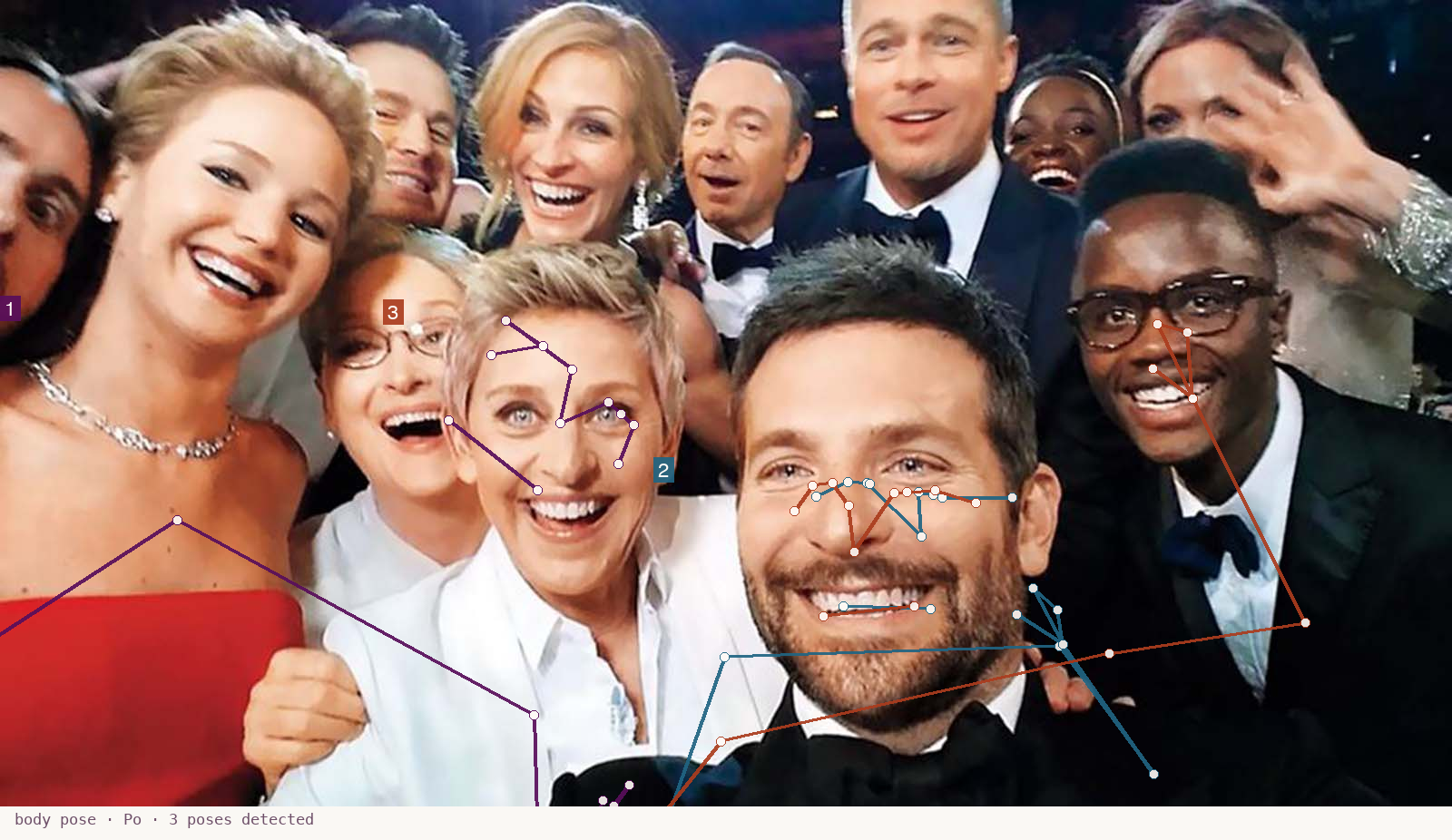
Skeletal keypoints: shoulders, elbows, hands, gaze direction.
What it sees here
MediaPipe Pose Lite finds the people whose torsos are visible enough to fit a 33-keypoint skeleton. The Cooper selfie is a hard case — most subjects are heads/shoulders only — so just three poses register at the multi-subject confidence threshold. On a richer image (a stage scene, a dance class, a sports moment), this Node would catch every person and trace each body's full pose. Each detected person gets a distinct hue.
Tool card · /lab/elements/po →
compositional · Frq
Frequency
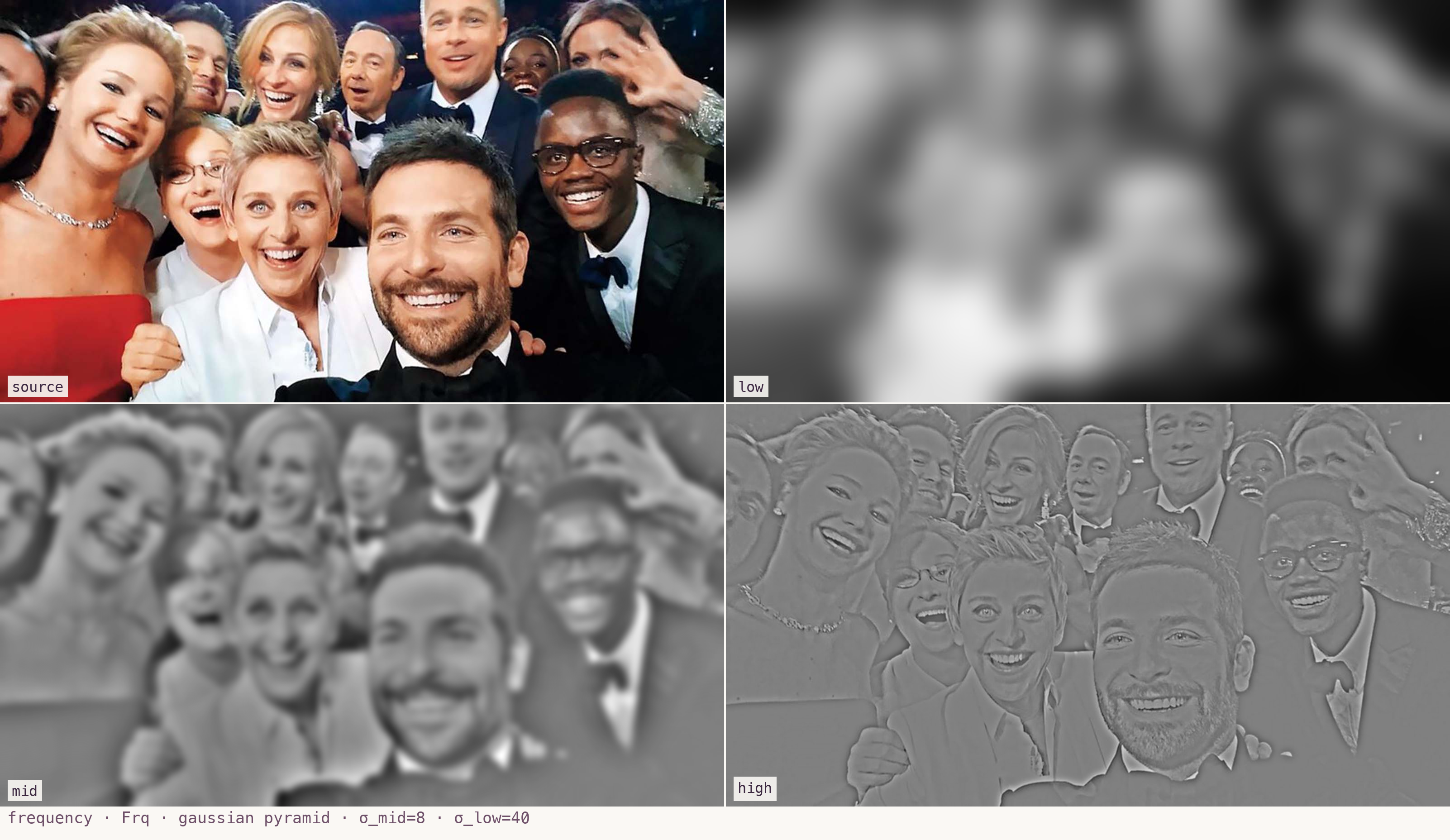
Low / mid / high frequency bands of the image — different scales of structure.
What it sees here
A Gaussian-pyramid decomposition splits the image into three bands. *Low*: the squinted version — big tonal masses, where bright/dark regions live. *Mid*: shapes and forms at medium scale. *High*: fine detail and texture. The four panels show the source plus each band so they can be compared at a glance. The frequency view is useful for compositional balance reasoning, stylisation pipelines, and quality / noise assessment.